Book the meeting before the lead cools.
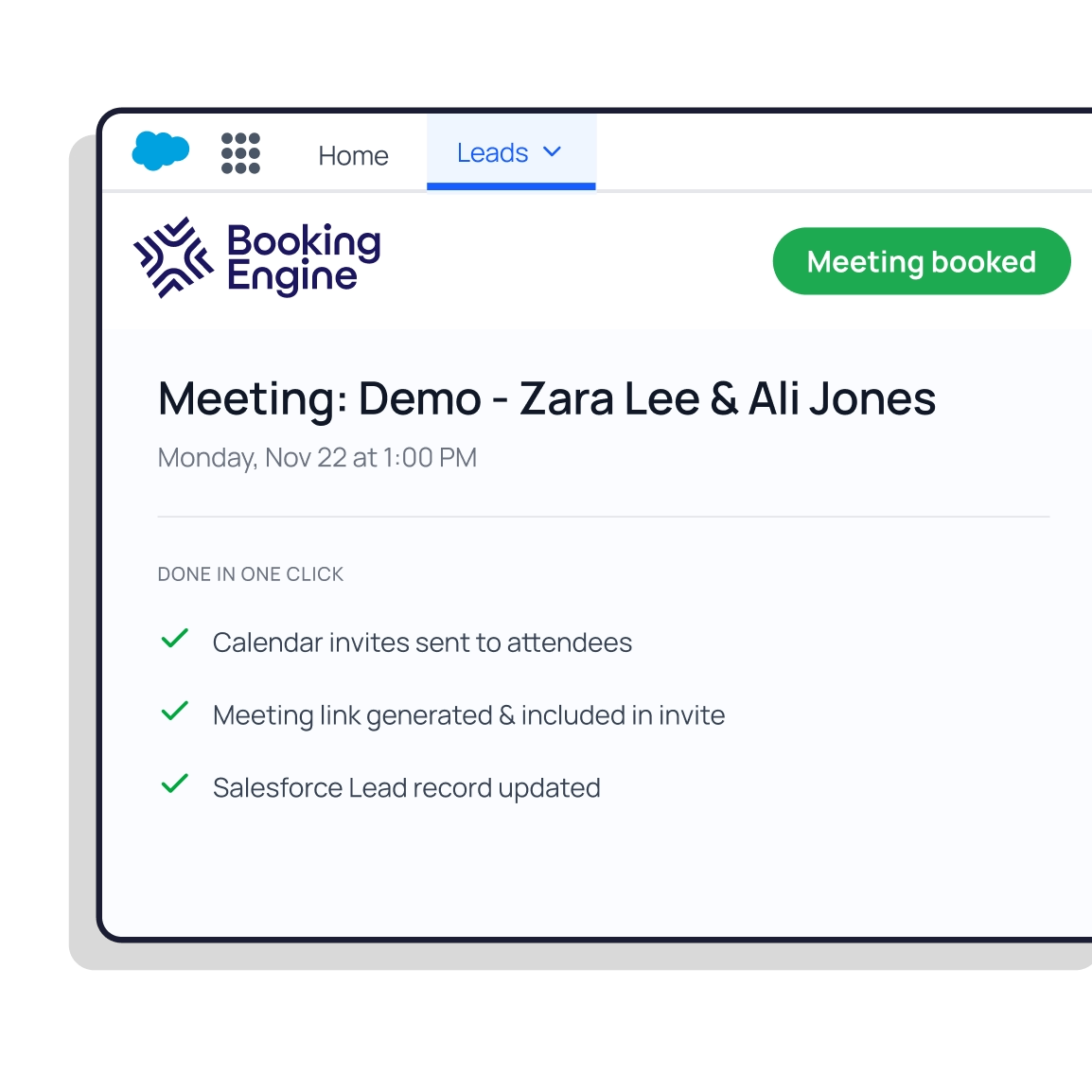
Schedule, route, and report on every meeting from inside Salesforce. All for $10 per user, per month.
Bolt-ons = tech debt.
Third-party tools with brittle integrations, or a bespoke build sitting on top of Salesforce that your team owns forever.
.webp)
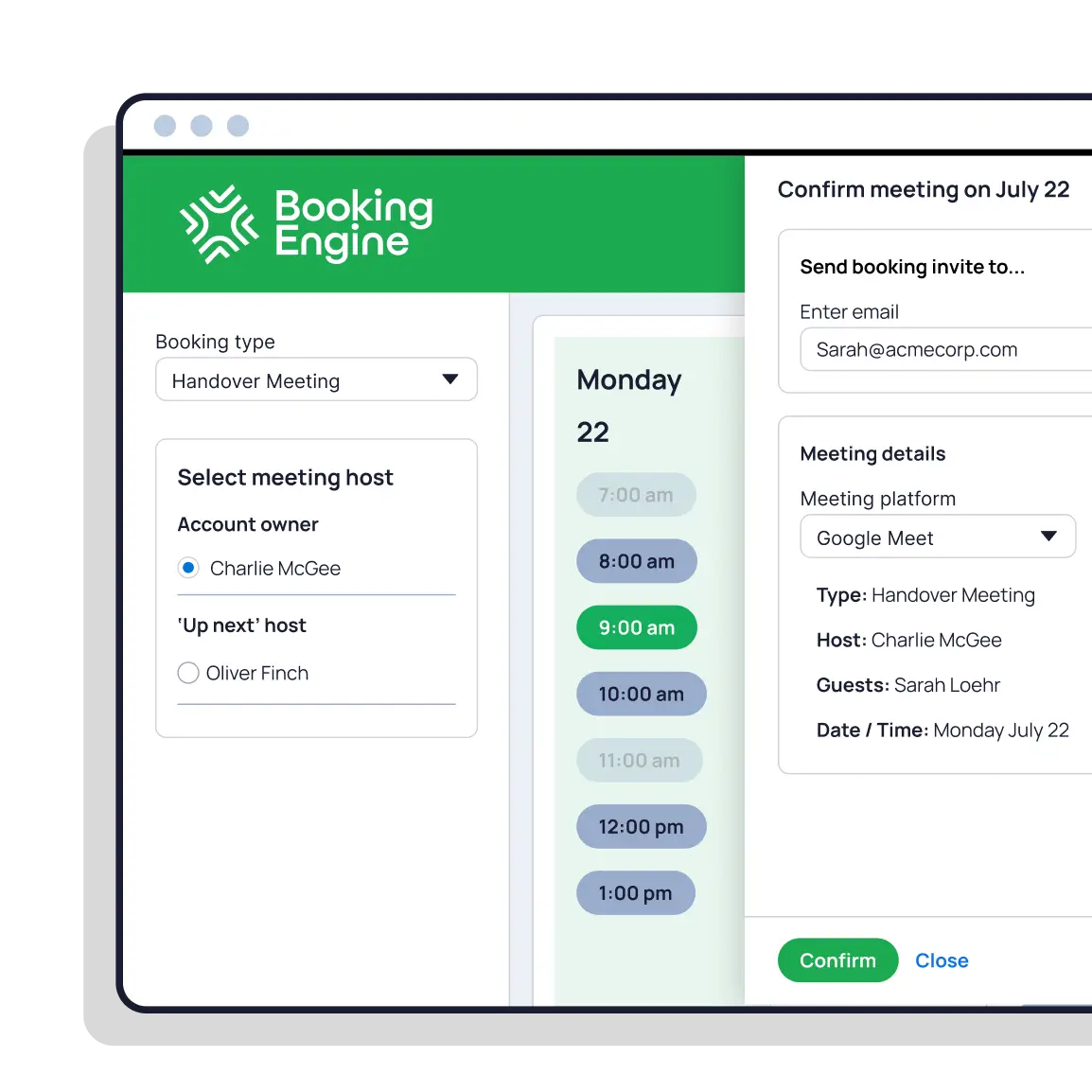
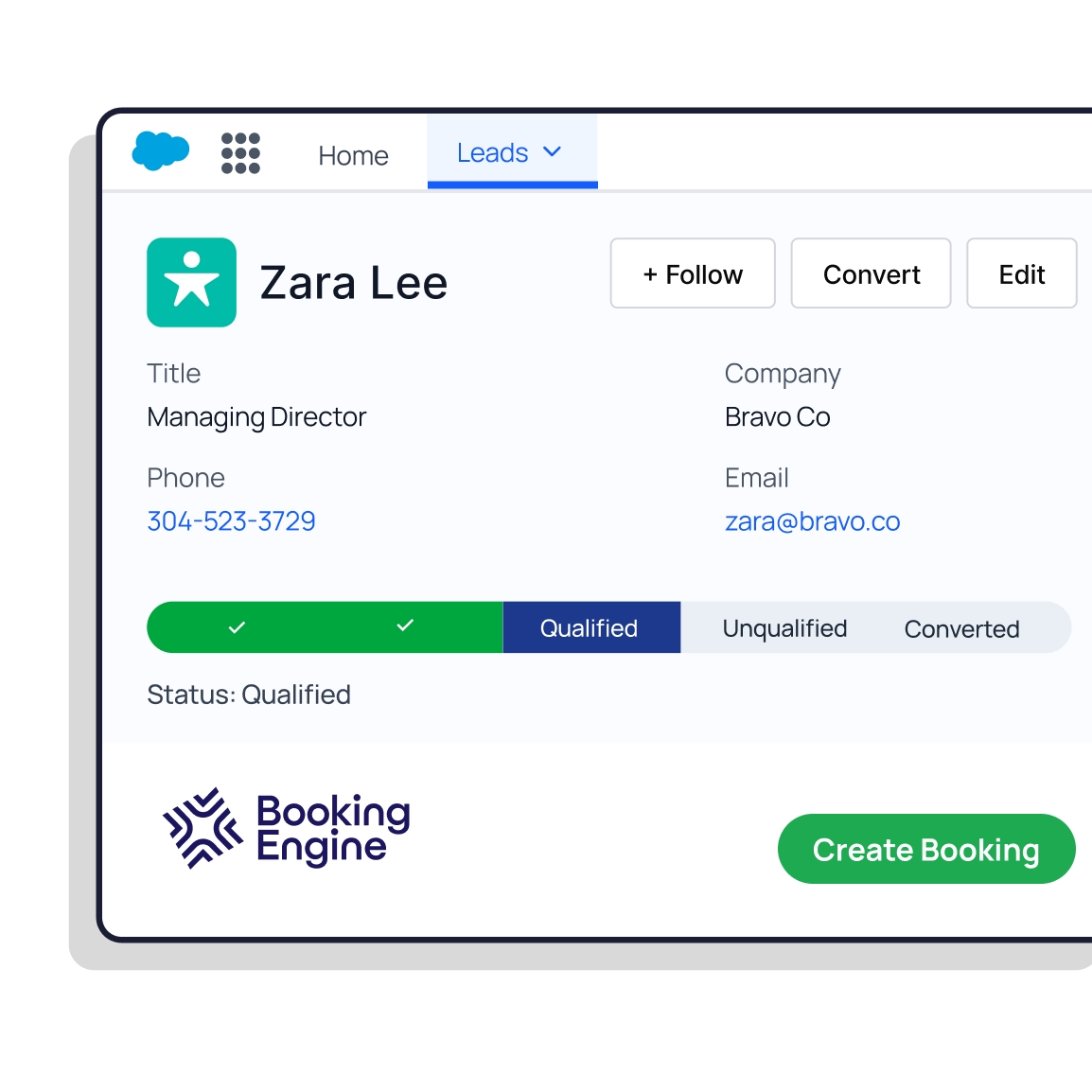
Booking Engine is a managed package that operates entirely within your Salesforce org.
Two tools isn't productive.
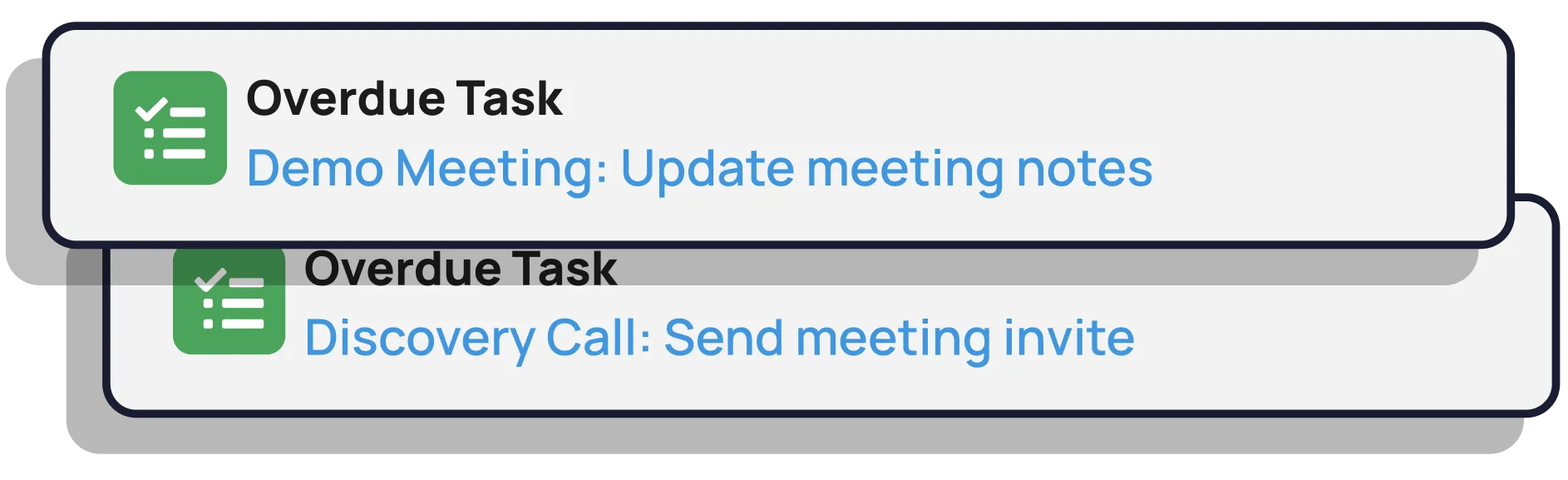
Reps update both, log into both, cross-check both. The tool sold to save time is the thing costing it.
With Booking Engine, there is no second system. One login, one source of truth.
Can't see it, can't fix it.
Meeting data lives in another tool. Time-to-meeting, attendance rates, no-shows: all pipeline KPIs you can’t see in Salesforce.
.webp)
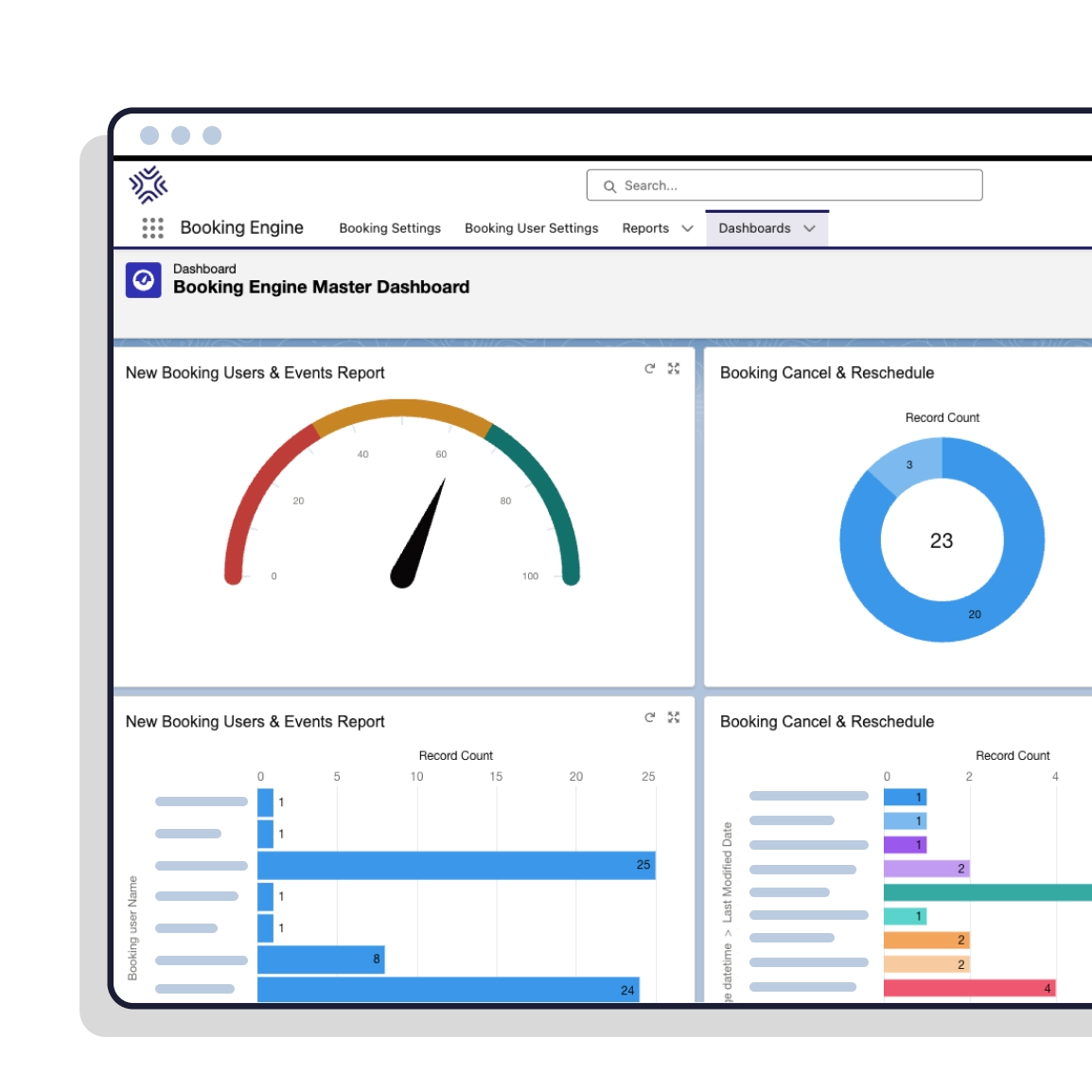
Booking Engine gives you meetings KPI data you can use in existing Salesforce dashboards.
"What stood out about Booking Engine is that it's 100% Salesforce-native, which means no messy third-party sync issues. It can automatically book meetings based on routing rules and real rep availability. And it's built for complex, fast-scaling GTM teams where handoffs aren't occasional, they're constant."

"Everyone knows booking meetings and handing over demos in Salesforce is a pain in the backside. Booking Engine solves all of these problems and takes less than 5 minutes to configure."

"Booking Engine took the lag out of our outbound ABM workflow. Meetings get booked on the spot, and SDR meetings booked are up 240%."

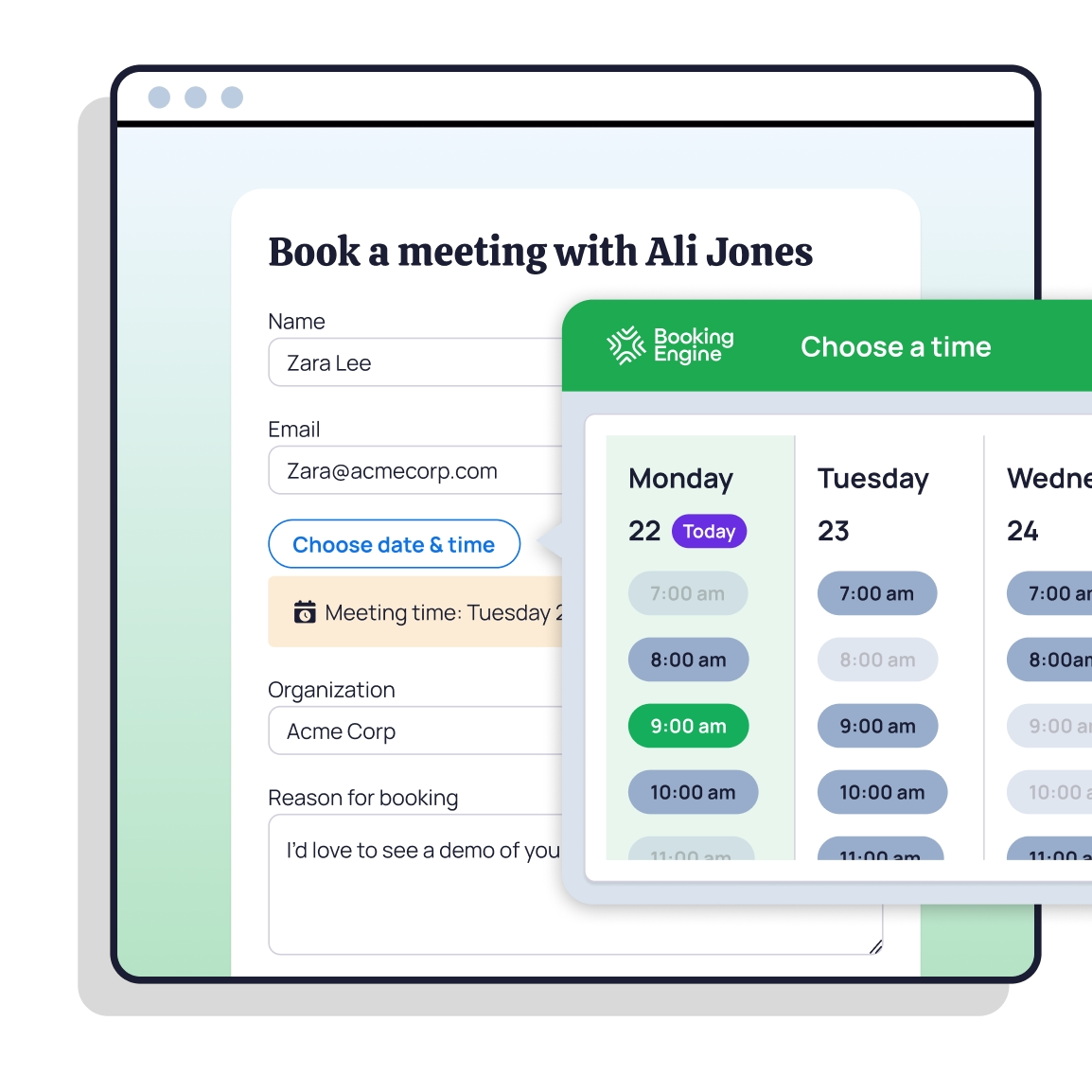
Easy rescheduling.
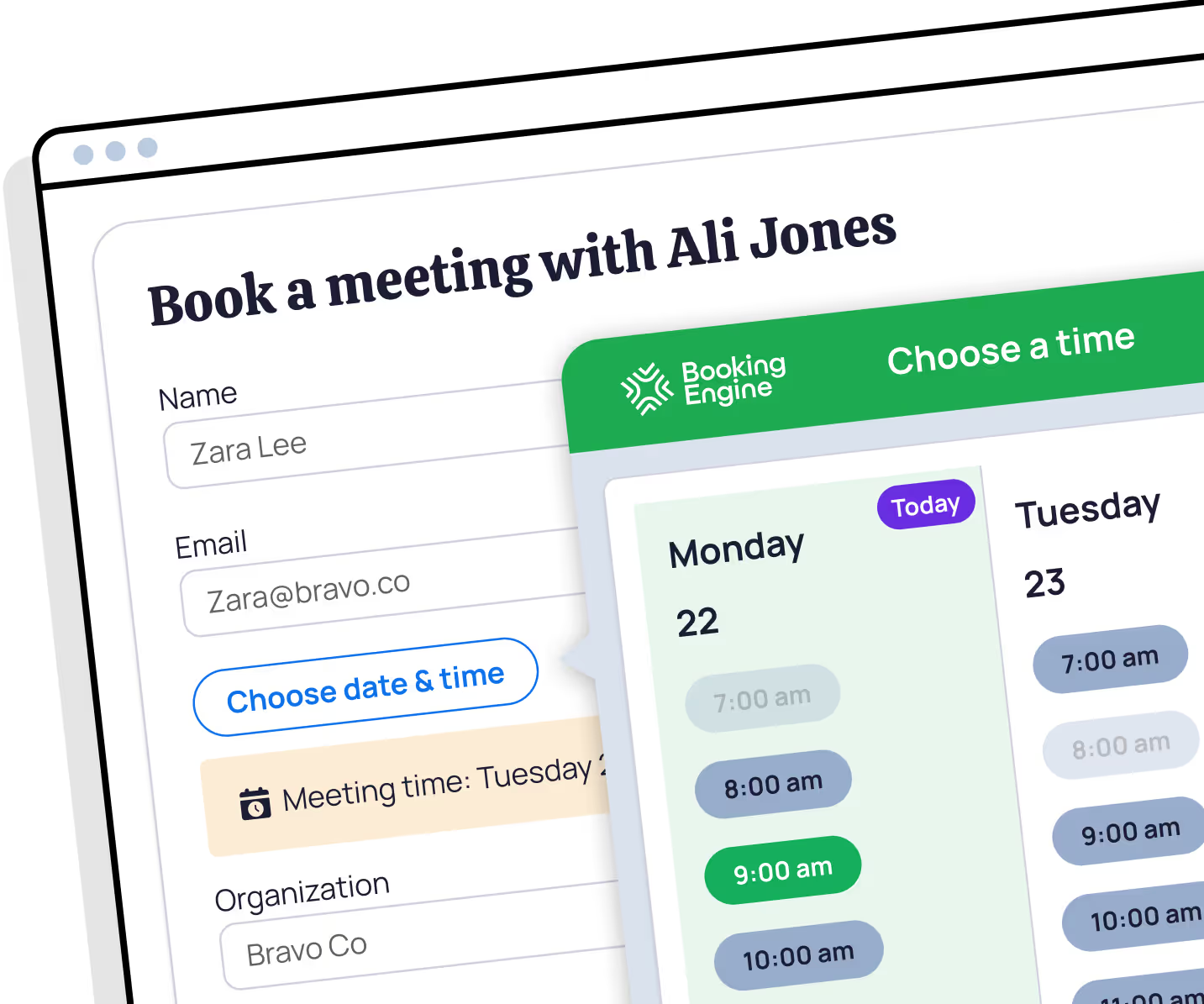
Plans change. Guests reschedule or cancel in a click - no back-and-forth. And the Salesforce record updates cleanly in the background.
Fewer no-shows.
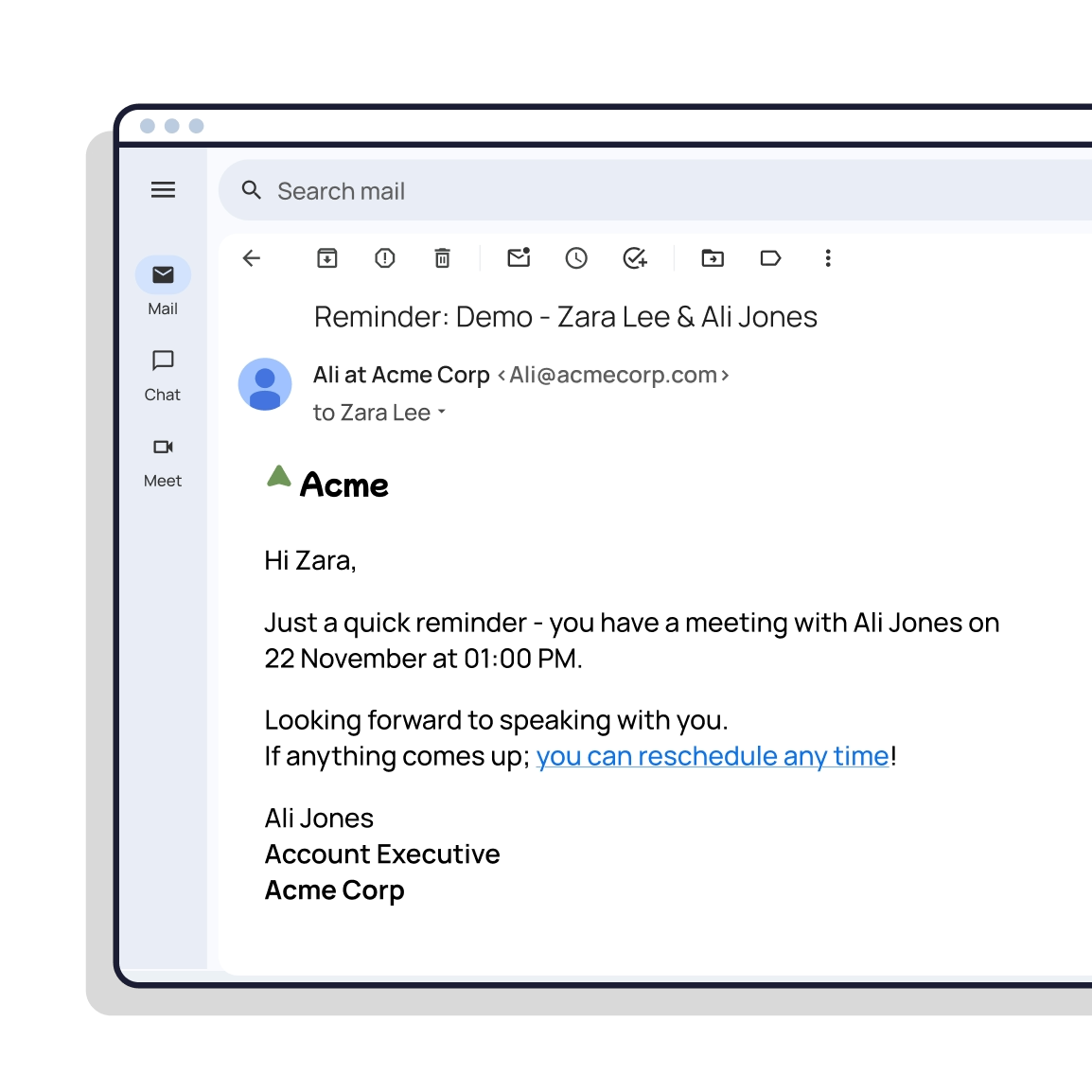
Automated meeting reminders keep attendance rates high and no-show rates low. Without anyone on your team lifting a finger.
Two-way Salesforce calendar sync.
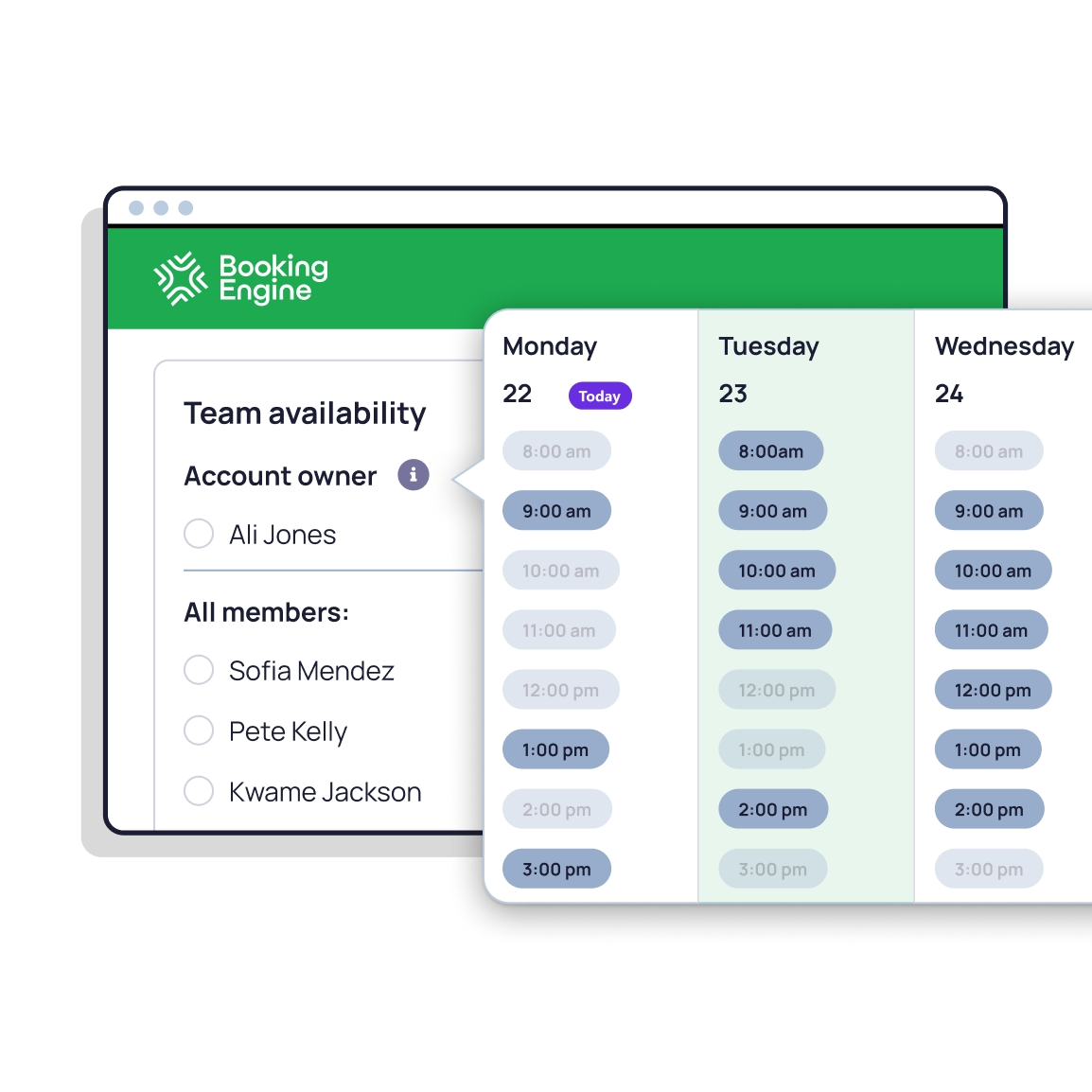
Native sync with Google Calendar & Microsoft Outlook. Real-time availability, no double bookings, no manual updates.
Video conferencing built in.
Meeting links generated automatically for Google Meet, Microsoft Teams, and Zoom. Nothing for your reps to configure.

Sales handoff & speed-to-lead.
Triage cases & book follow-ups.

"Game Changer for our sales team! Booking Engine has transformed how our sales teams schedule calls and demonstrations with clients. It provides a clean, quick, and user-friendly interface that streamlines the entire booking process."

"With Booking Engine, the entire process of booking a meeting on behalf of a sales rep takes less than 30 seconds - it's completely seamless for the SDR. The tool is great, and the support team is phenomenal. Highly recommended!"

"The implementation was super easy, the onboarding magnificent and their technical support is very prompt and always on point. Fantastic tool really a must have."

vs Calendly
Calendly's a strong personal scheduler, but the Salesforce side is a managed package of Flows and Apex you have to maintain.
Booking Engine gives you team scheduling on every record, with no Flows or Apex. $10/user/month vs Calendly Enterprise from $15K/year for the Salesforce features.

vs SUMO Scheduler
SUMO is a broad self-service platform with two products, where the Salesforce-native one needs a vendor-led sales process and starts around $20K/year.
Booking Engine is the only Salesforce-native scheduling tool with live meeting handoff. Self-serve trial. $10/user/month, published price.

vs Salesforce Scheduler
Salesforce Scheduler is native, but it's a build-it-yourself toolkit. Service territories, skills, work types, 1.5+ hours of admin config before anyone can book.
Booking Engine gives you out-of-the-box calendar sync, video conferencing, and routing. No code, no developer, no Enterprise edition required.

vs Chili Piper
Chili Piper's good at form-to-meeting conversion, but the platform lives outside Salesforce, with per-user fees plus platform fees.
Booking Engine puts all routing rules, configuration, and data inside Salesforce. One platform, one place, one price. About an hour to set up.

Is Booking Engine really 100% Salesforce-native?
How is Booking Engine different from Salesforce Scheduler?
Can Booking Engine replace Calendly or Chili Piper?
How long does setup take?
How much does it cost?
Is there a free trial?
Which calendars and video tools does it support?
Does Booking Engine work with HubSpot?
What happens to records when a meeting is rescheduled or cancelled?
How do I get started?
Book more meetings. The first one's with us.
%20dark.avif)